
How to Find Your Cursor on Mac When Using Two Screens (2026 Guide)
Jan 30, 2026
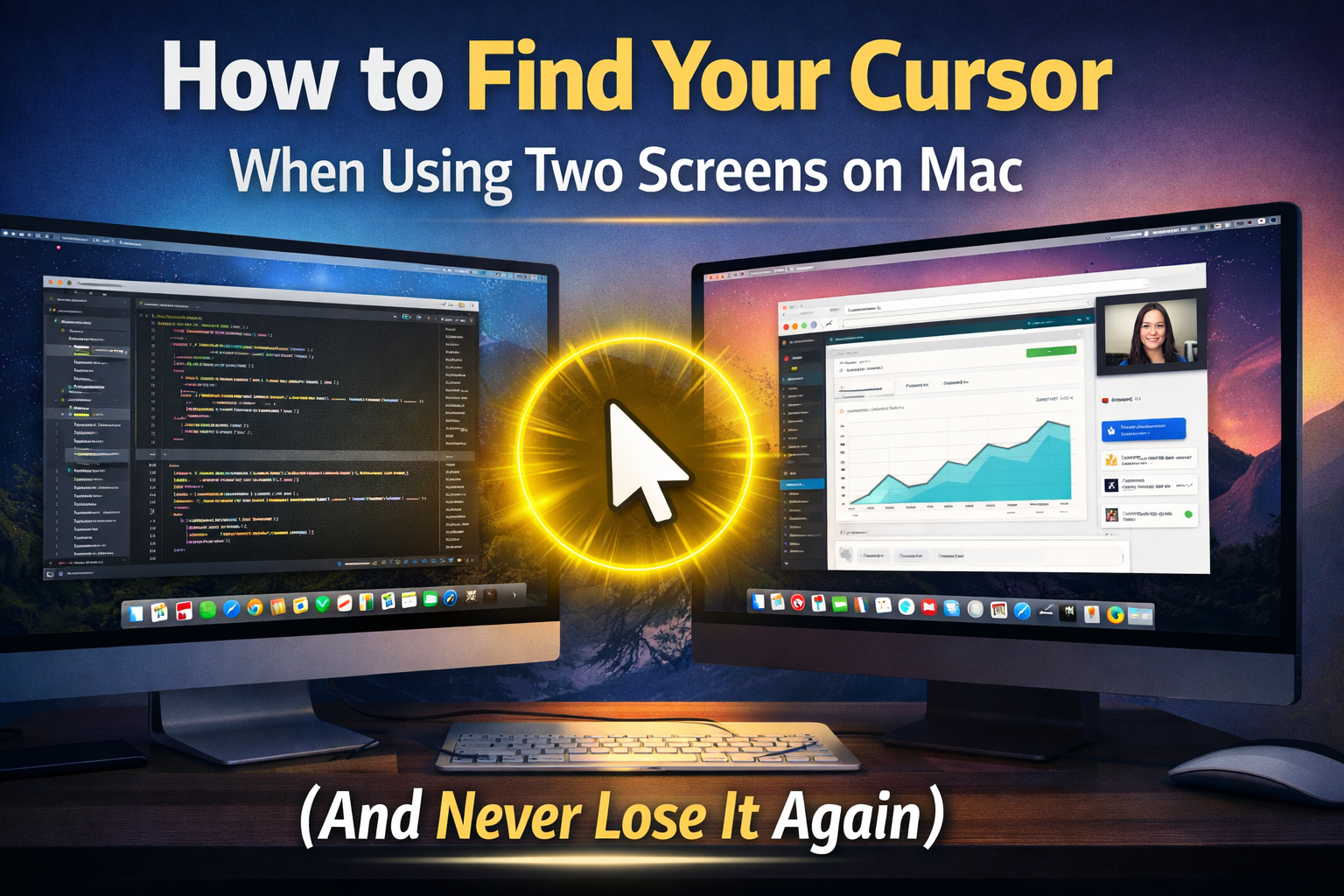
If you use a Mac with two monitors, you probably know this problem: you move your mouse — and suddenly you can’t find your cursor. It disappears somewhere between screens, windows, and apps. It’s a small thing, but it breaks your focus and wastes time.
In this guide, you’ll learn how to find your cursor on Mac when using two screens, what built-in options macOS offers, and the easiest solution that makes your cursor impossible to lose.
Why It’s So Easy to Lose the Cursor on Dual Monitors
- Your desktop area becomes much larger
- The cursor blends into backgrounds
- It gets lost between windows and apps
- It’s sometimes simply too small to notice quickly
Built-in macOS Options
1. Shake to Locate
macOS can enlarge your cursor when you shake the mouse. It helps, but it’s slow and breaks your workflow.
2. Increase Cursor Size
You can increase cursor size in Accessibility settings, but then it’s always big and still not clearly highlighted.
The Real Solution: Highlight the Cursor
What you actually want is to instantly see where your cursor is - without shaking the mouse or changing system settings.
Cursor Spotlight - Never Lose Your Cursor Again
Cursor Spotlight is a lightweight Mac app that adds a bright spotlight around your cursor, making it instantly visible on any screen - especially useful for dual monitors and ultrawide displays.
- Perfect for two or more screens
- Great for presentations and screen recordings
- Instant visual focus on your cursor
- No hacks, no system changes
Who Is This For?
- Developers
- Designers
- Video editors
- Teachers
- Anyone using multiple monitors
Summary
- Built-in: Limited and slow
- Best solution: Cursor Spotlight